Introducing the Apitally MCP server
With the new MCP server, AI agents can analyze your API metrics, investigate errors with request logs and traces, and set up apps and alerts for you.
 Simon Gurcke//3 min read
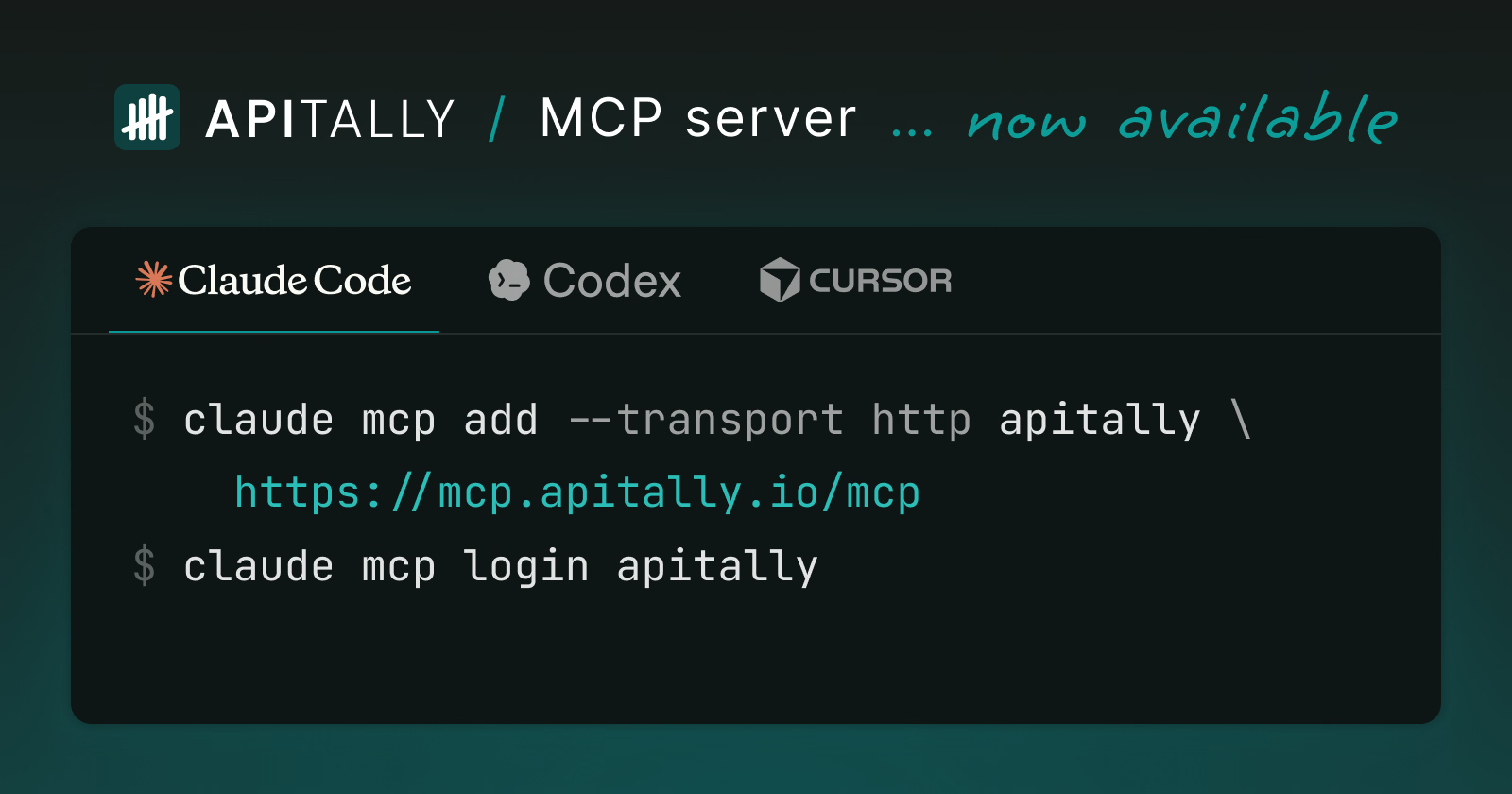
Today we’re launching the Apitally MCP server, which lets AI agents work with Apitally on your behalf. You can ask an agent what caused the spike in server errors last night, or have it create an alert that notifies you the next time it happens.
Apitally is a simple API observability tool for small engineering teams. It helps you understand API usage, monitor errors and performance, and troubleshoot individual requests with correlated logs and traces. With the MCP server, what you would otherwise look up or set up in the Apitally dashboard, you can now ask an agent to do.
The MCP server works with any client that supports remote MCP servers. That includes coding agents such as Claude Code, Codex, and Cursor, and chat apps such as Claude and ChatGPT.
What agents can do
Analyze traffic and performance
Agents can retrieve request volumes, error rates, response times, and data transfer for your APIs. They can break these metrics down by endpoint, consumer, or status code, and compare them over time. They can also check the CPU and memory usage of your application.
Who are the top 10 consumers of my API this month, and how did their usage change compared to last month?
Investigate errors and slow requests
Agents can list the errors your API returned and see which requests and consumers were affected. From there, they can open individual requests with their headers, payloads, application logs, and stack traces. For slow requests, they can read the trace to find out where the time was spent.
Why did response times for
POST /ordersget slower this week?
Check uptime and alerts
Agents can check the uptime of your application and the results of its health checks. They can also see which alert rules are currently triggered and go through the history of past alerts.
Was my API down at any point in the last 7 days, and did any alerts fire?
Set up and configure
Agents can also make changes in Apitally. They can create, update, mute, and delete alert rules, and configure uptime and health checks. They can exclude endpoints, set response time thresholds, mark client errors as expected, and rename consumers or assign them to groups.
A coding agent can set up Apitally in your project from start to finish. It creates the app in Apitally, gets a write token, installs the SDK, and adds it to your code by following the setup guide for your framework.
Add Apitally to this FastAPI project.
Getting started
The MCP server is available at https://mcp.apitally.io/mcp. Add it to your agent as a remote MCP server:
claude mcp add --transport http apitally https://mcp.apitally.io/mcp
claude mcp login apitally
When you connect an agent, a consent screen opens in your browser, where you sign in to Apitally and choose whether the agent gets read-only or read & write access. You can see your connected agents and revoke their access at any time under Settings > Agents in the dashboard.
For other clients, such as VS Code, Claude, or ChatGPT, see the setup instructions in our docs.
MCP server or CLI?
The MCP server is the right choice for most agentic use cases. Apitally also offers a CLI with an accompanying agent skill, which lets agents load API metrics, request logs, and traces into a local database and query them with SQL. Use the CLI for more complex analyses or for analyzing large amounts of data.
Wrapping up
We want agents to be first-class users of Apitally, alongside humans. Agents can already do almost everything you can do in the dashboard, and they can answer questions that no pre-built view covers. As we add features to Apitally, we’ll make them available through the MCP server as well.
The MCP server is now available to users on all plans. Our docs have the setup instructions for all clients and the full list of tools.
We’d love to hear what you use the MCP server for. Equally, if you hit any limitations or have feature requests, please let us know.